Pre-Recorded Mini-Quizzes
The link for the video with the mini-quiz doesn’t seem to work.
Correct. That’s why it says to use the LOAD button at the bottom of the screen! Scroll down in the Canvas assignment for that video.
I’m having trouble accessing the Pre-Recorded Mini-Quiz
Each pre-recorded lecture there’s a series of short recorded screencasts hosted on Panopto. For a particular lecture, you just need to navigate to that Lecture’s page on Canvas:
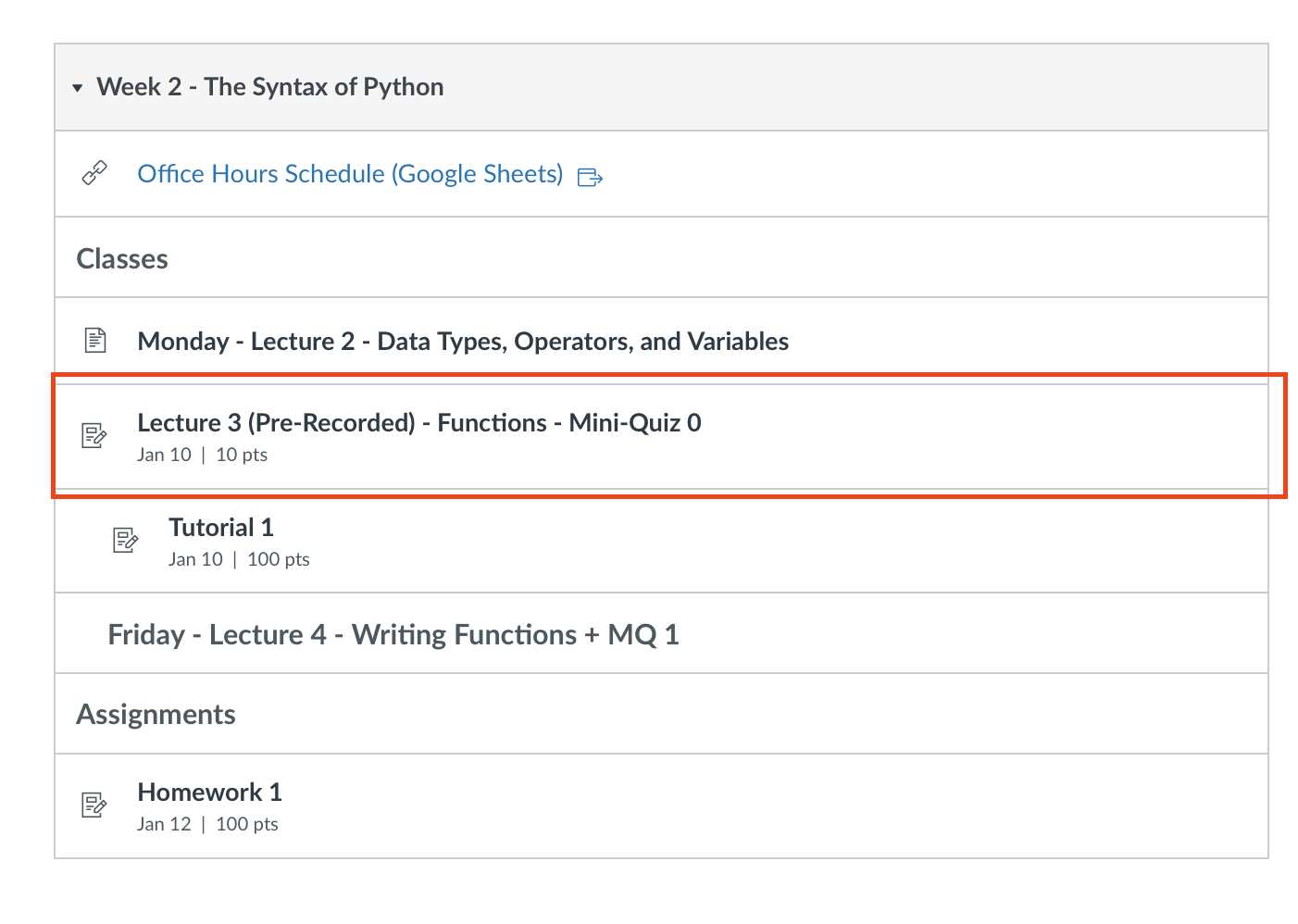
Then at the bottom of that page you’ll see links to all but one of the videos for that day’s class. Each of the reddish buttons is a clickable link which when clicked will open up (in a new tab) the video for that topic.
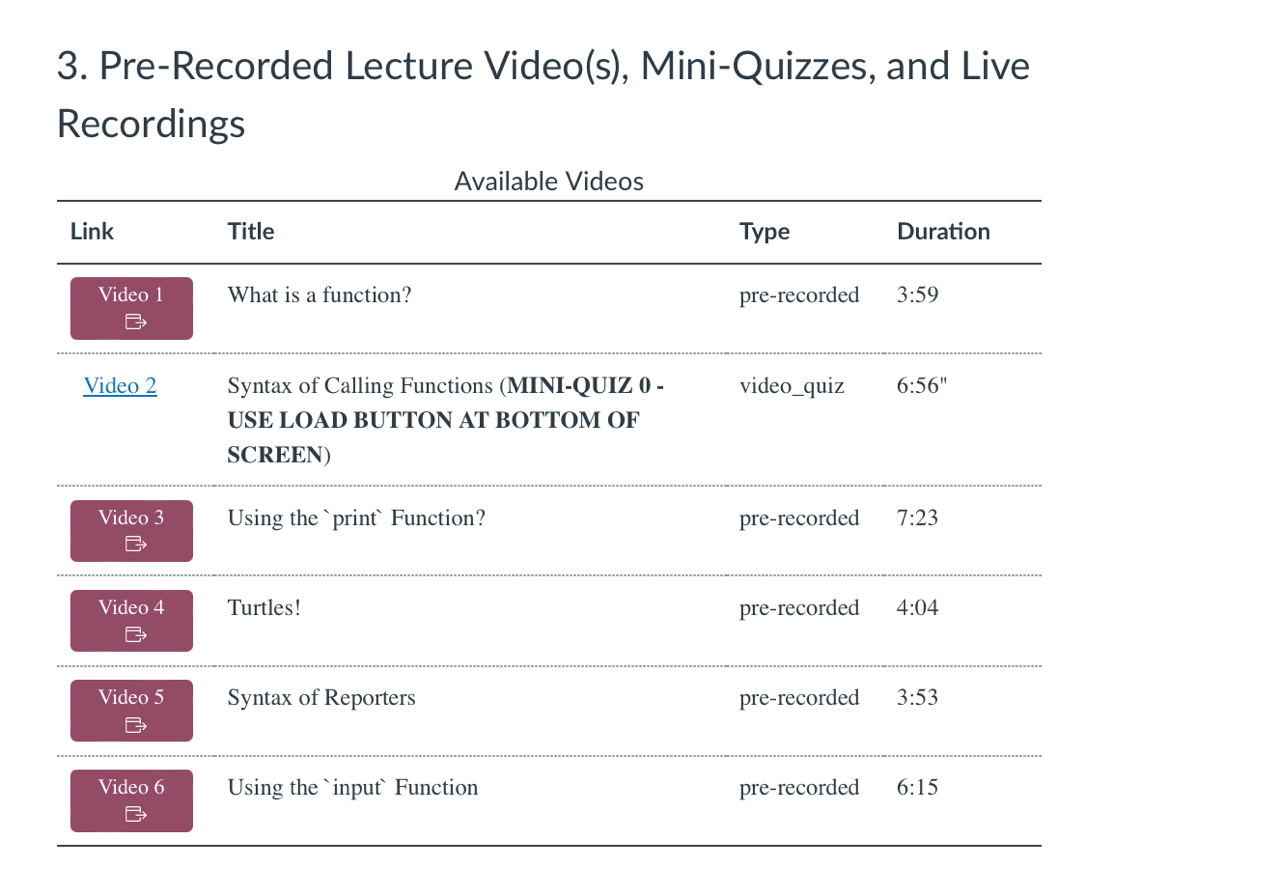
Each week there will be one video that contains the Mini-Quiz for that day. In the screenshot above it’s Video 2. To access the mini-quiz, we simply scroll to the bottom of the page and click the LOAD button:
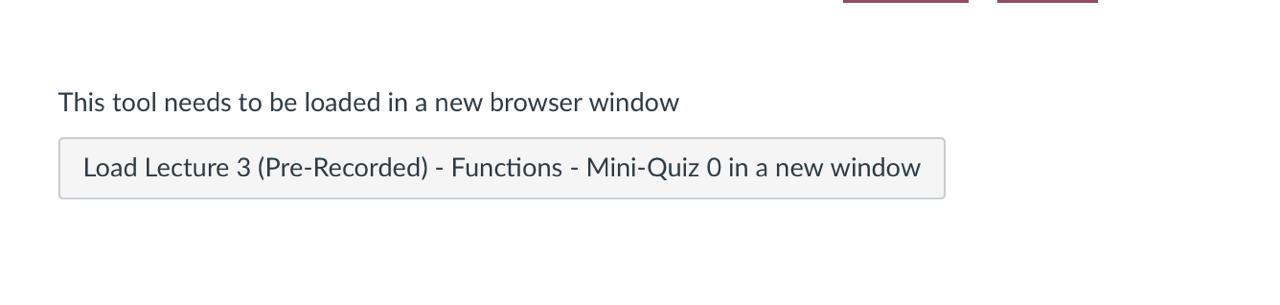
This pops-up a new tab with a full screen Panopto interface (this is where, if you’ve never logged into Panopto before you may get a “access denied message;” if this happens, open a new window, go to your canvas page, click on the Panopto tab, sign-in, and then close that window; return to the original quiz page and reload).
At the end of the video, you’ll see a 5 question multiple choice quiz appear.
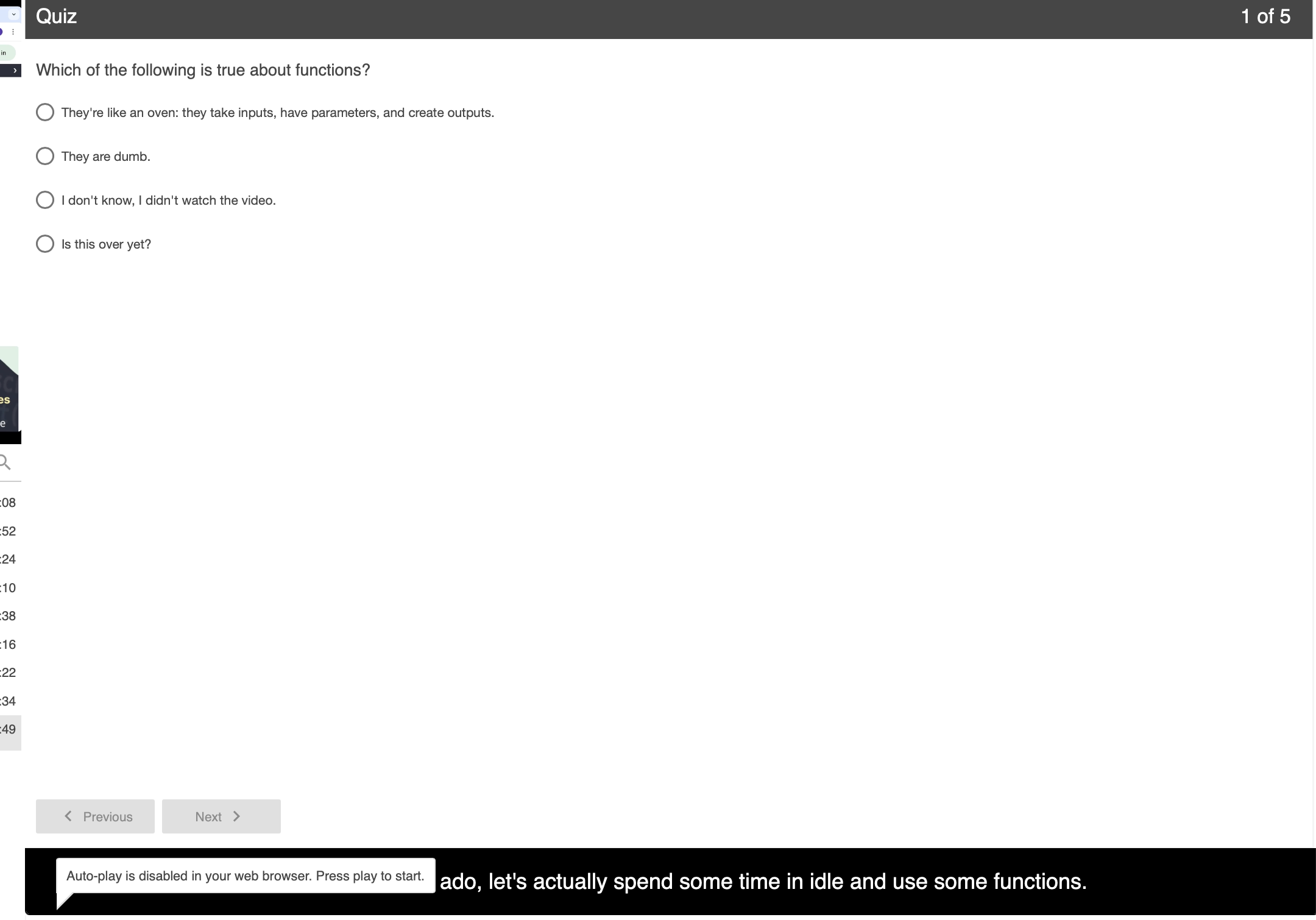
Take the quiz (as many times as you’d like) and make sure to submit each time. You’ll see your grade for this assignment automatically update on Canvas as soon as you finish.
I get a strange access error when trying to open up the mini-quiz video with the LOAD button
There are two things to try. The first is simple, just open up our Canvas page in a new window, click on the PANOPTO tab, and if prompted to login (possibly in a separate window) do it! Once you revisit the LOAD button it should work.
If you get an error that looks like this:
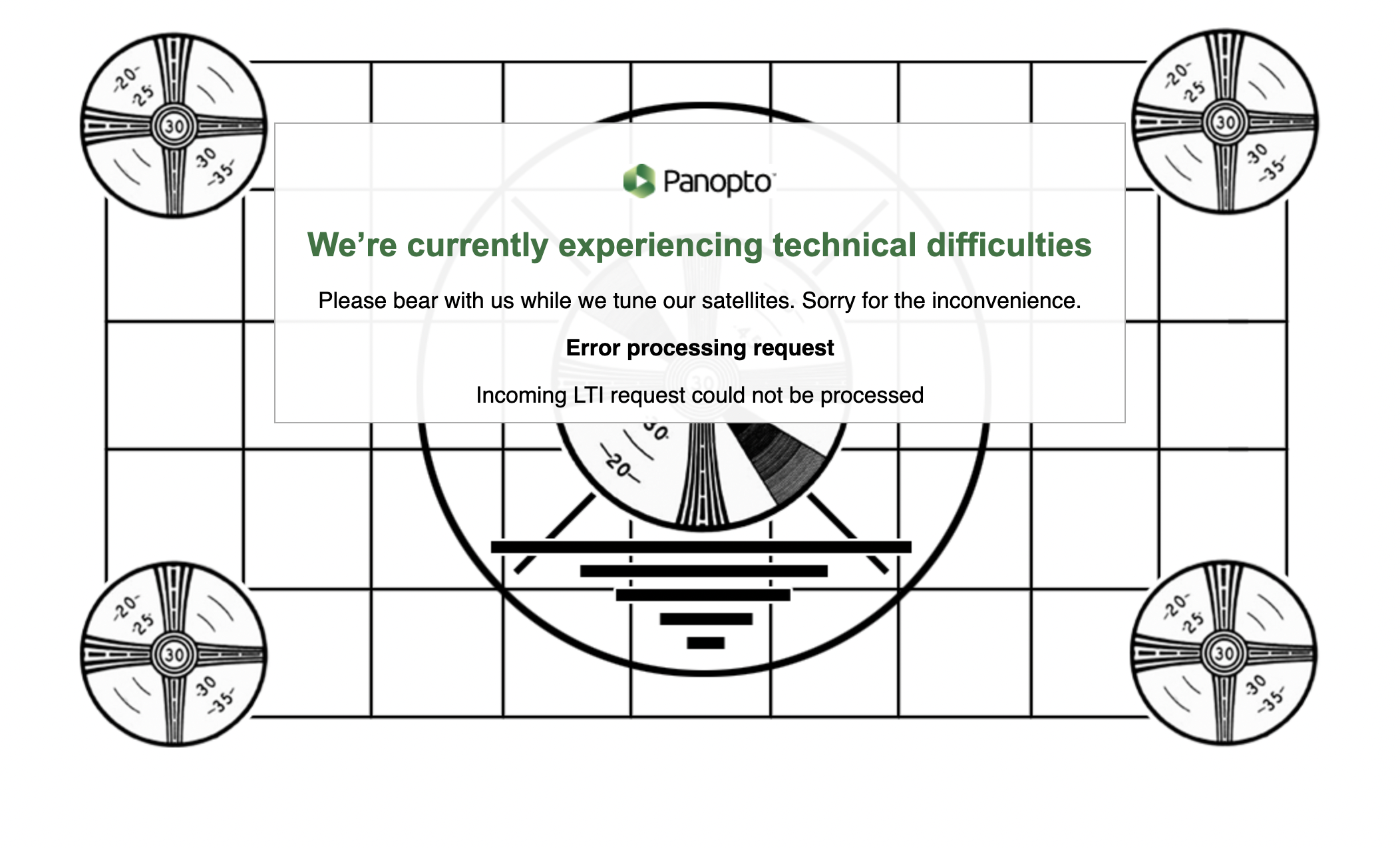
Then you may have an Ad Block extension or Cookie Blocker installed in your browser. You can either disable that blocker for Canvas and Panopto (they have to be able to send data back and forth) or you can use another browser (e.g. Safari, Edge, Chrome) to complete the mini-quiz.
I don’t see a grade on Canvas for a particular pre-recorded mini-quiz.
This means you either: didn’t access the quiz using the above instructions, didn’t hit submit, or didn’t complete the quiz.
I’m studying for a test and want access to the videos that have the quizzes built into them.
After the due date for the mini-quiz passes, the Canvas page will automatically update to a typical video button while the Canvas assignment itself will no longer allow you to submit.